Tyler's Home Server

A short blog on my home lab

Hardware

My goal with self hosting was to make it take up minimal space and energy at idle. With this in mind, I bought hardware based on this goal alone.  

I centered my choice of hardware based on these goals. So, to keep the footprint of my home server small, I decided to virtualize all my services into one box. While it's not entirely elegant, it works as a way for me to learn how to work with IT concepts, hands-on

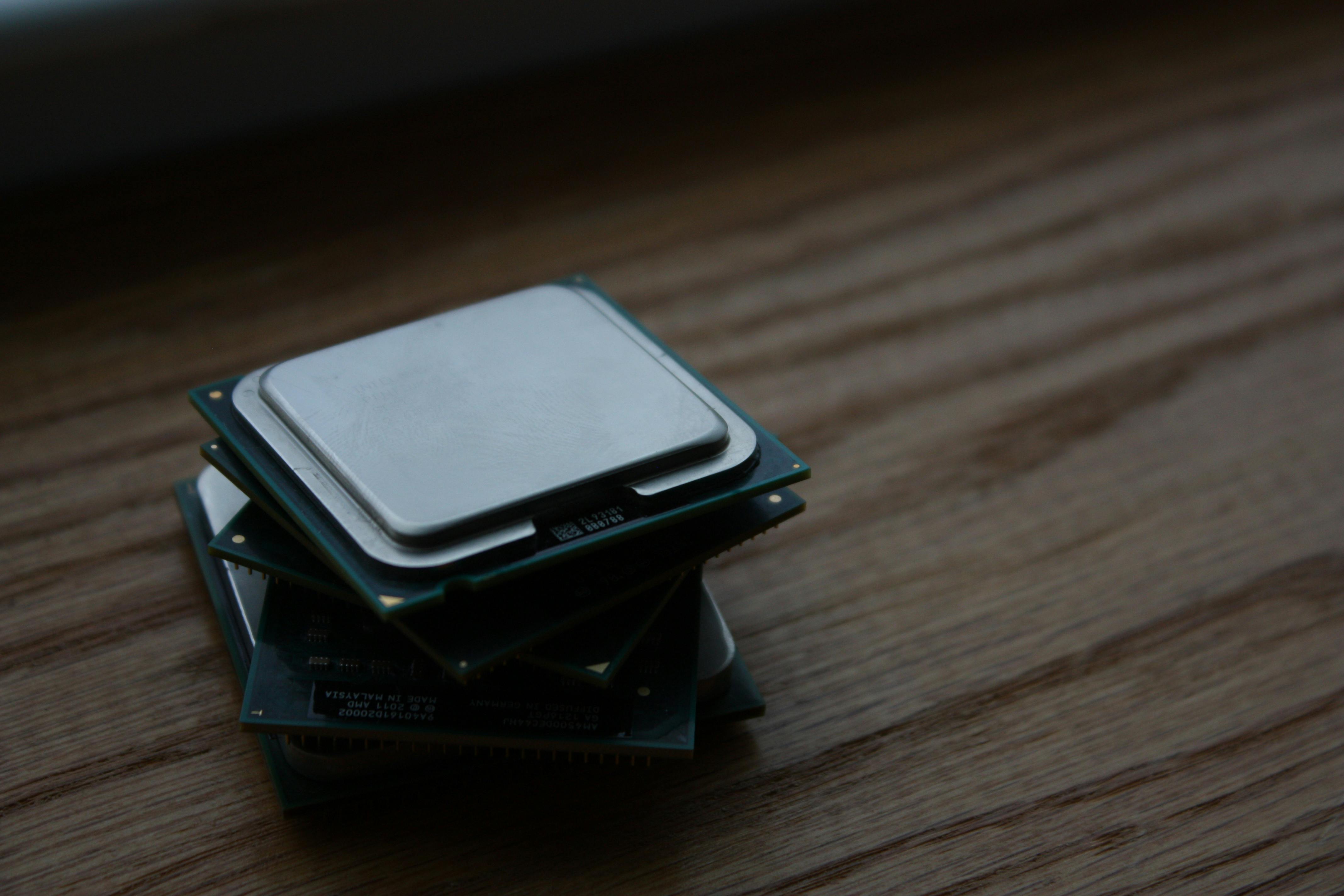
CPU

Buying a CPU should be based on what kind of workload you expect your server to have. In my case, I decided to buy the Ryzen 1700x 8-core CPU for a few reasons. Firstly, it's price was well within my range at $120 used. Secondly, it had multiple CPU cores to mess around with for virtualization. Couple with the fact that it has low idle power consumption, and I was set with this little CPU.
pexels-iseeghoststoo-1010487.jpg

Motherboard and RAM

pexels-jplenio-1105379.jpg
Sixteen gigabytes of RAM would be more than enough for my current needs, as I would only host some light applications, along with a games server.
The motherboard was a similar situation, where I picked one of the cheaper boards I could find online. Of course I went with known brands, like Crucial and Gigabyte, for reliability purposes.

Software

My goal to keep all services in one box really stumped me at first. I wasn't sure where to start in virtualization. While something like ESXI did pop out to me, I heard mixed things about it online. Which ultimately led me to Proxmox. With a little experience installing different linux distros, I went to work making the USB key to install it. 

Ultimately, I have been very satisfied with Proxmox's web interface and ability to spin up several containers and VMs at once. All of this while remaining free. 

Software Stack

Where my hardware philosophy was oriented toward minimalism, my software philosophy is the complete opposite. 

Since it was so easy to create and break down VMs and containers, I was able to learn and make mistakes on a non-production system. With Proxmox, I have been able to learn command line and networking concepts hands-on.

Wireguard

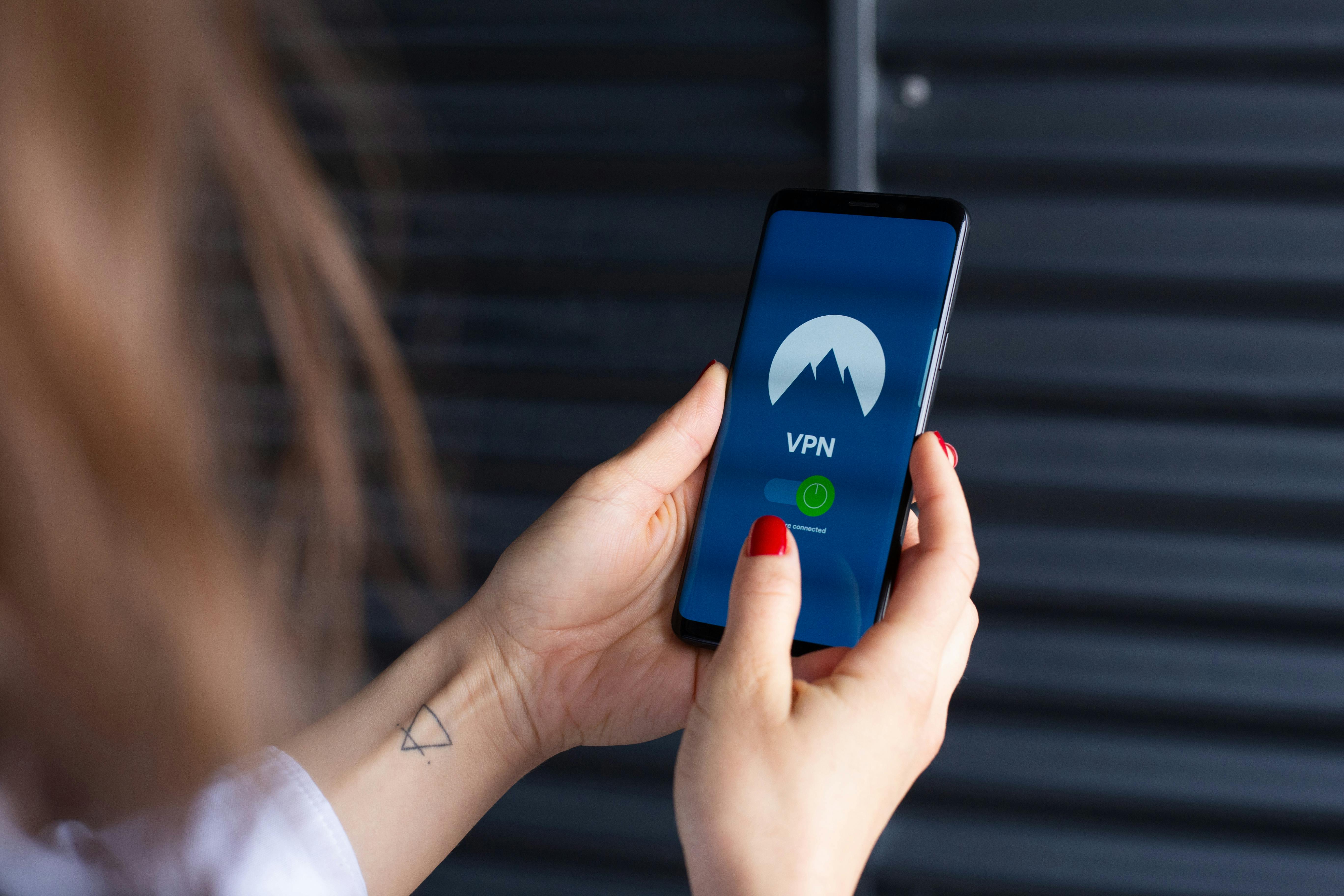
One of the simplest ways to gain access to your home server on-the-go is through a VPN. In this case, I went with wireguard, a lightweight vpn server. 

I decided to use wg-easy in a container to keep it as easy as possible to use. wg-easy is a project on github that gives you a web interface to add new clients and monitor your VPN server's usage. 
pexels-stefan-coders-1019774-2048774.jpg

TrueNAS

pexels-pixabay-270572.jpg
I added TrueNAS to my stack to allow me to back up the images I take with my drone, while on-the-go. However, I still use for other things, like making backups of important documents and game saves.

My current array is a 1TB mirrored SSD array, which is enough for my use case, but is subject to upgrade soon. I do look to utilize TrueNAS even more as time goes on, but I still wanted to be hands-on with it.

Docker

pexels-dibert-1117210.jpg
An easy way to manage containers is to use something called Portainer, which is a web interface to manage docker containers. Within my docker VM, I currently run Nginix proxy manager and pi-hole for self-hosted DNS services. While it is only two containers, the value comes in getting hands-on learning with Docker. 
Copyright © Tyler Menendez